Introduction
A couple of years ago I wrote about using ChatGPT inside eLearning — a negotiation chatbot in Storyline, an activity that gave learners real-time feedback on short answers. Those were exciting, and they mostly stayed exciting rather than becoming useful. The blockers were security and deployment: a JavaScript server running on my laptop is not something I can hand to a thousand learners, and no client was going to let learner data leave the building without a corporate account and a long conversation with information security.
This post is about the other way of using AI in this job, and the one that has actually changed my week. Instead of putting AI inside the course, I have been using it to build the tools around the course – small web applications that do repetitive, fiddly work.
None of these tools talk to a language model when they run. They keep the information on the computer so they are 100% secure.
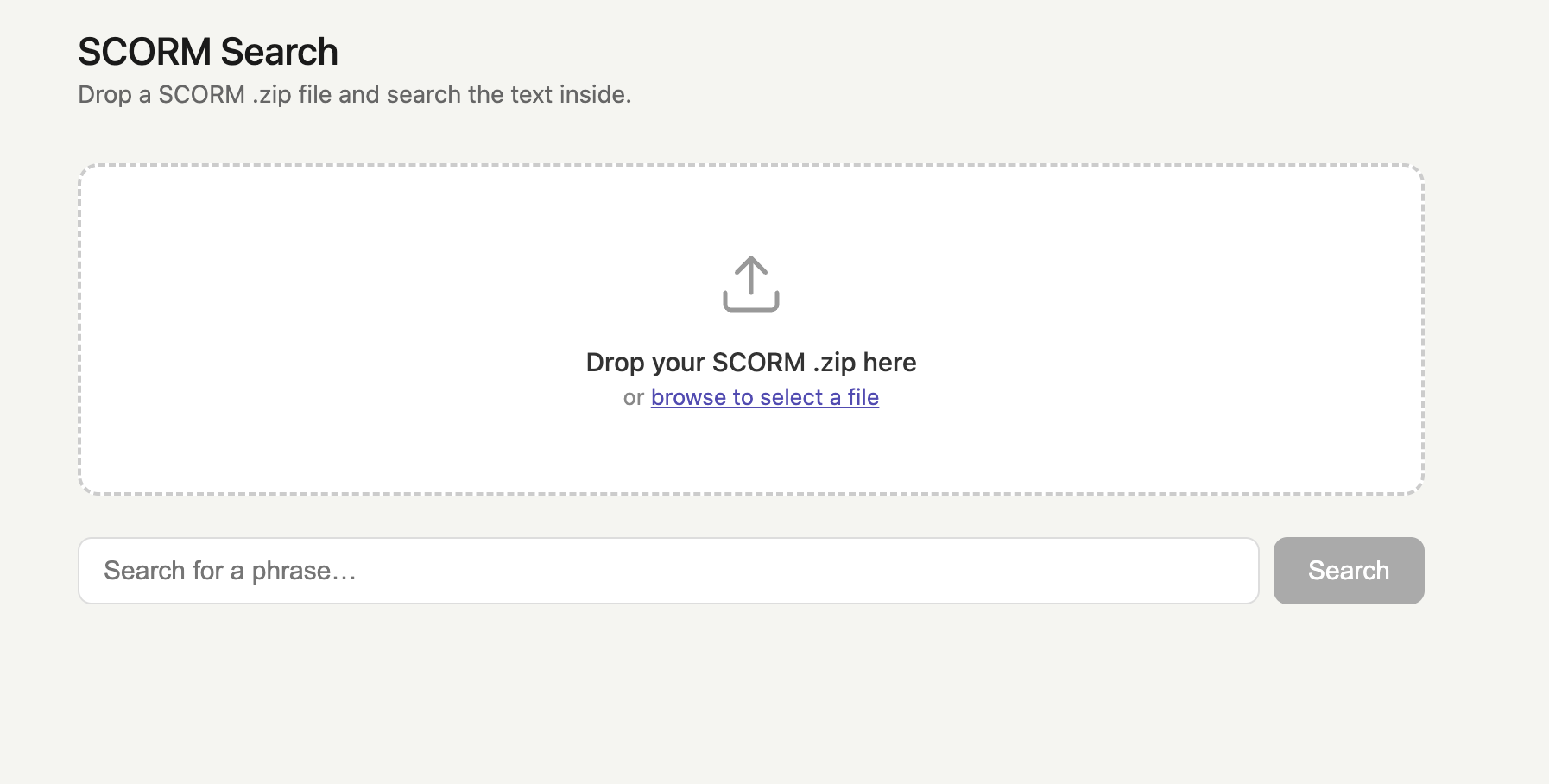
Searching inside SCORM packages
The problem
Anyone who has published a SCORM package knows the pattern. The course is signed off. It exports. And then someone spots that a phone number is wrong, or a policy has been renamed, or the client wants a term changed throughout. The change is trivial. Finding it is not.
With Articulate Storyline there is Find and Replace functionality, but other tools like Evolve and Articulate Rise do not have this – making it very difficult to check for the text in question. You have to read through the course or check the script, but even if you have a script there’s always the posdsibility of a typo in the course.
What I built

A published SCORM package is a zip file full of HTML, JavaScript and JSON. The text you need is in there somewhere, spread across files that were never meant to be read by a human. However, it is easy for the computer to search through this.
I used Claude Code to build a web application to search inside SCORM pakcages. Drag and drop a package, type a phrase, and it tells you where the phrase appears with a selection of the context. This makes it easy to find the text. Then you can go back in to the authoring tool and fix or change it.
Post-publish fixes
The problem
Some clients required courses in languages other than English and Evolve does not allow you to change the language of some buttons or pop-up messages. Some clients also wanted us to change videos to remove scrub bars. We would do this by publishibng the course, unzipping the SCORM file, editing the blocks.json file, the css and another .html file. This would take 10-15 minutes and had to be done each time the course was published.
What I built
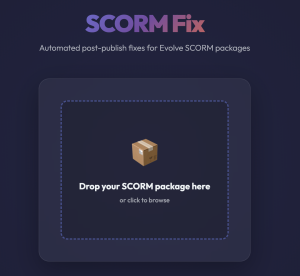
With Cluade Code I made a web application where you dropped in the SCORM file, entered the text you wanted on the buttons etc. and it made the changes automatically and zipped it back up again. Later I modified it so that you just selected the target language from a dorp-down box.
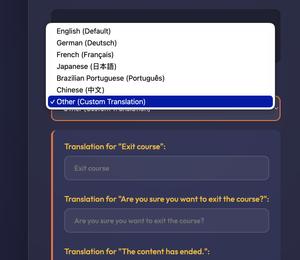
When the ‘fixed’ SCORM file is uploaded to the LMS the buttons are now in the chosen language.

Similarly with the pop up messages.

Language selectors for multilingual courses
The problem
Where a course exists in more than one language, learners need a way to choose. Building that switching layer into each package by hand was repetitive and easy to get subtly wrong.
What I built

Another web app where you can edit the displayed text, the text on the buttons and where you can drop and drop the SCORM file for each language. It then makes the whole thing into one SCORM file which can be uploaded to an LMS.
Why this approach is safe for AI
Reading back my ChatGPT post, the “challenges to be overcome” list was mostly about deployment and data. It’s worth noting how few of those apply here:
- Security. These tools operate locally. None of the client’s private information goes anywhere.
- No API key to protect. The finished tools don’t call an AI service at all. There is no key sitting in a package waiting to be extracted, and no usage limit to worry about.
- Nothing to deploy to learners. The tools are for me and the production team, not for the audience. That removes the single hardest problem from the earlier work.
The earlier experiments were blocked by the fact that the AI needed to be present at the moment of learning. Here it only needs to be present at the moment of building.